
The first major step when using a Fixed Date & Time countdown, is to enter the specific expiry date/time.
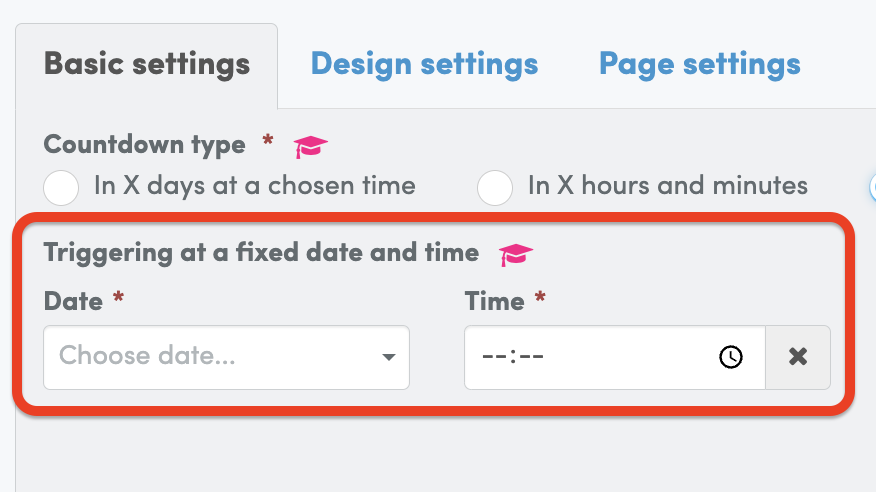
Because this timer is fixed to the real-time calendar, you’ll want to enter the specific calendar date and time in which you’d like your Countdown Hero to count down and expire at.
For example, Wednesday 5th July 2023 at 10pm.
Also, if your business is based in a different time zone, you’ll want to update this too because 10pm in London will be totally different to 10pm in Sydney and New York.

Once you’ve entered these basic settings, you’ll be able to move onto the next step.
——
NEXT UP: