
What is the new 'Anonymous Timers' feature?
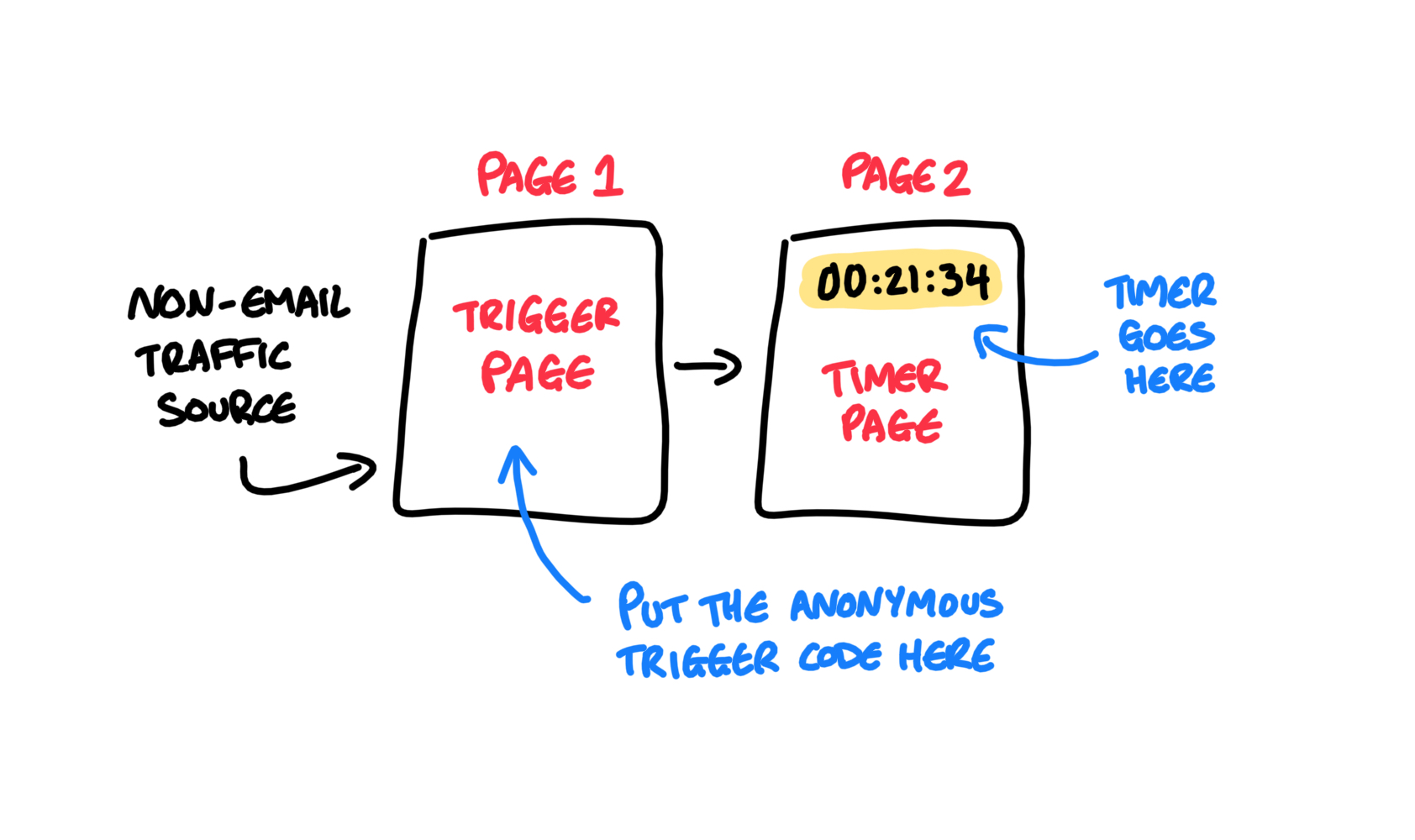
This is a new feature for Countdown Hero that allows you to trigger a timer based on a Page View of a 'Trigger Page' instead of our other trigger methods. Here's how it works:
- You send traffic to your Sales Page
- Your Sales Page acts as your 'Trigger Page' (when someone views this page, it starts the timer)
- Your Checkout Page is your Timer Page (with the timer counting down on it)
IMPORTANT: This is NOT a replacement for our other contact-based trigger methods.
Because of the way this timer works the timer will not transfer between user devices, meaning that someone could trigger the timer on their phone but it will not be activated on a desktop device (and vice versa).
To keep a timer consistent across all devices, you should continue using our Primary Trigger Methods with a subscriber's email address.
How To Set It Up:
1) Switch ON the Automatic Timers feature
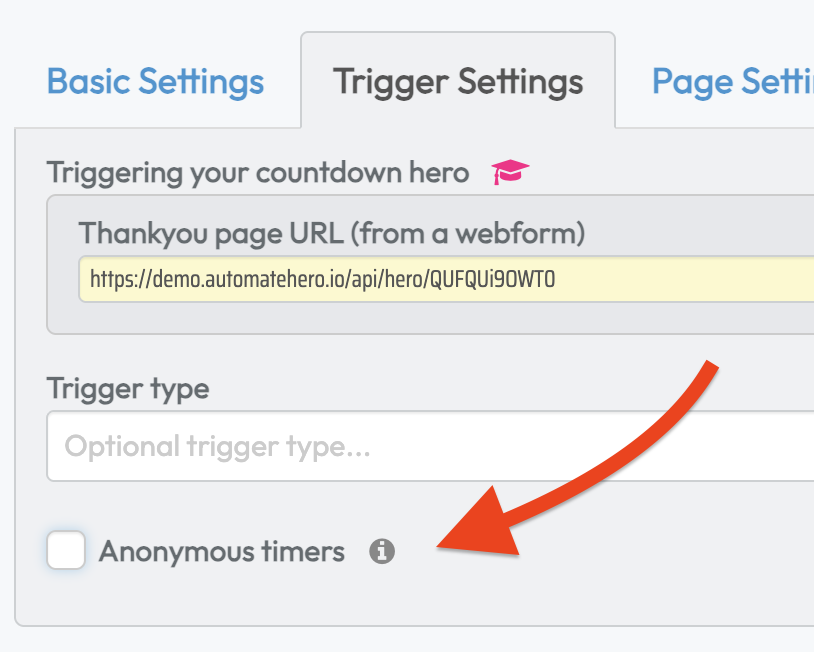
2) Copy the Automatic Timers Embed Code

3) Add this Trigger Embed Code onto your Trigger Page (the page immediately BEFORE the timer)
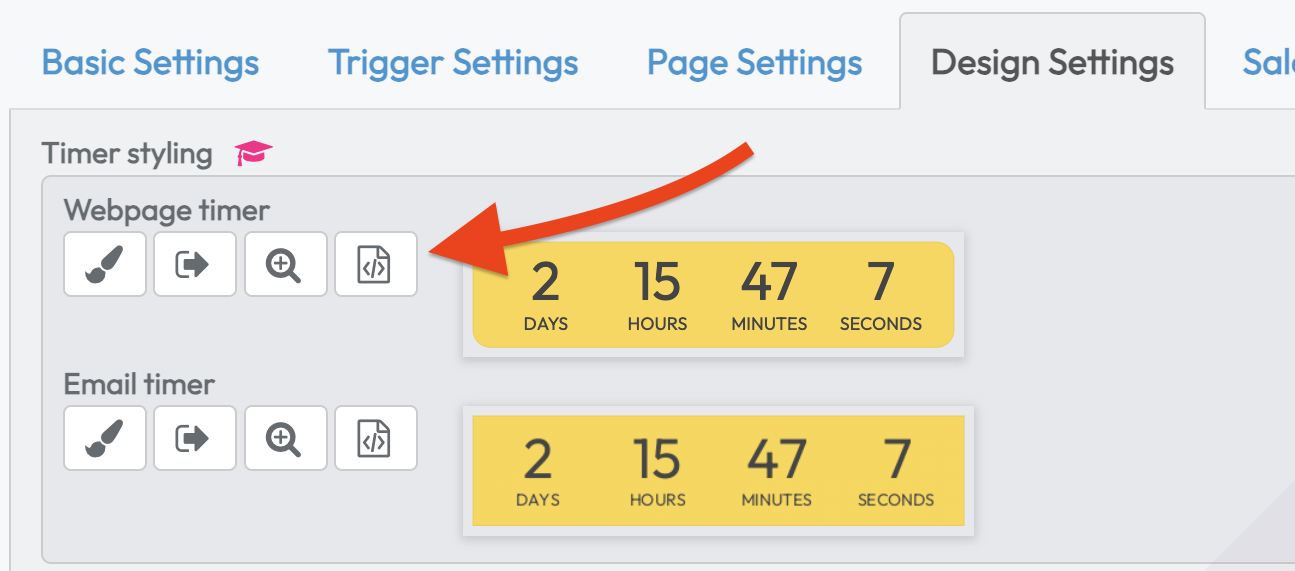
4) Add the Countdown Hero timer code onto your Timer Page (the page immediately AFTER the trigger page)
5) Publish all of your pages and start sending traffic! :)